
Do You Really Need a New Laptop?
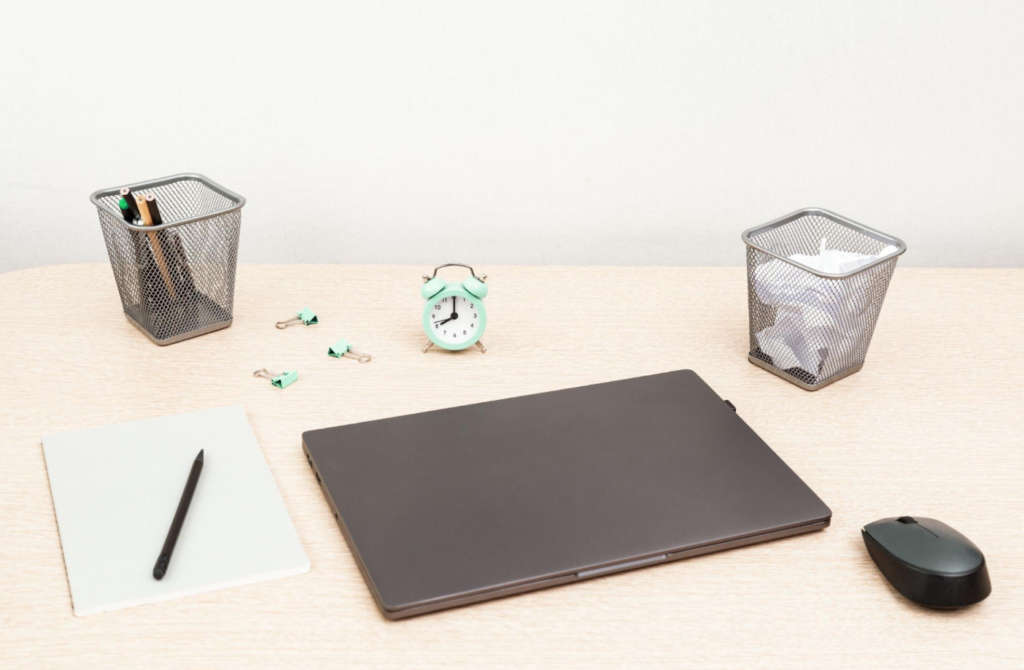
Buying a new laptop often feels like the obvious solution when something starts to slow down. Apps lag, the battery drains faster, and everything feels outdated.
But in many cases, the problem isn’t the laptop itself. It’s how it’s used, maintained, or configured.
Before spending money on a new device, it’s worth asking a simple question: do you actually need it, or can you fix what you already have?
Why Your Laptop Feels Slow
Most laptops don’t become useless overnight. Performance usually drops gradually due to everyday use.
Common reasons include too many background apps, a full storage drive, outdated software, or even simple overheating. Over time, these small issues add up and make your device feel much slower than it actually is.
Another overlooked factor is expectations. Software becomes more demanding every year, so even a working laptop can feel outdated compared to newer models.
What You Can Fix Without Buying Anything
Before replacing your laptop, try improving its performance with simple actions. These often make a noticeable difference.
- Remove unused apps and files to free up space
- Disable unnecessary startup programs
- Update your operating system and drivers
- Restart your laptop regularly instead of keeping it running for days
- Clean dust from vents to prevent overheating
These steps take little time but can restore a lot of lost speed.
Small Upgrades That Make a Big Difference
If your laptop still feels slow, a few affordable upgrades can extend its life.
Adding more RAM helps with multitasking, especially if you use multiple tabs or apps. Switching to an SSD (if you don’t already have one) dramatically improves loading speed.
Replacing an old battery can also make your laptop feel more reliable again, especially if you’re always tied to a charger.
These changes are much cheaper than buying a new device and often give similar results for everyday tasks.
When It Actually Makes Sense to Buy a New Laptop
Sometimes, upgrading isn’t enough. There are situations where replacing your laptop is the better choice.
- The device is more than 5–7 years old and struggles with basic tasks
- It can’t run the software you need for work or study
- Repairs cost almost as much as a new laptop
- Battery, screen, or keyboard issues affect daily use
- Your needs have changed (for example, video editing, design, or gaming)
In these cases, a new laptop is not just a luxury. It’s a practical upgrade that improves your daily workflow.
The Hidden Cost of Upgrading Too Early
Buying a new laptop too often can be expensive without real benefits.
For basic tasks like browsing, writing, emails, and streaming, most modern laptops perform similarly. Spending more doesn’t always mean a better experience.
There’s also the time cost of switching devices. Transferring files, reinstalling apps, and adjusting to a new system takes effort.
If your current laptop still does what you need, upgrading may not improve your daily life as much as expected.
How to Decide in a Practical Way
Instead of focusing on specs or trends, focus on your real usage.
Ask yourself:
- Does my laptop slow me down every day?
- Can simple fixes improve performance?
- Do I actually need more power, or just better organization?
- Is the frustration occasional or constant?
If the issues are small and manageable, keeping your current laptop is often the smarter choice.
If it regularly blocks your work or wastes your time, upgrading becomes a logical step.
Conclusion
You don’t always need a new laptop when things feel slow. In many cases, simple fixes or small upgrades can solve the problem.
A new device makes sense only when your current one can no longer keep up with your real needs.
The goal is not to have the newest laptop. It’s to have a device that works smoothly for your everyday life without unnecessary spending.